O2NAILS APP
Prepare a design for printing
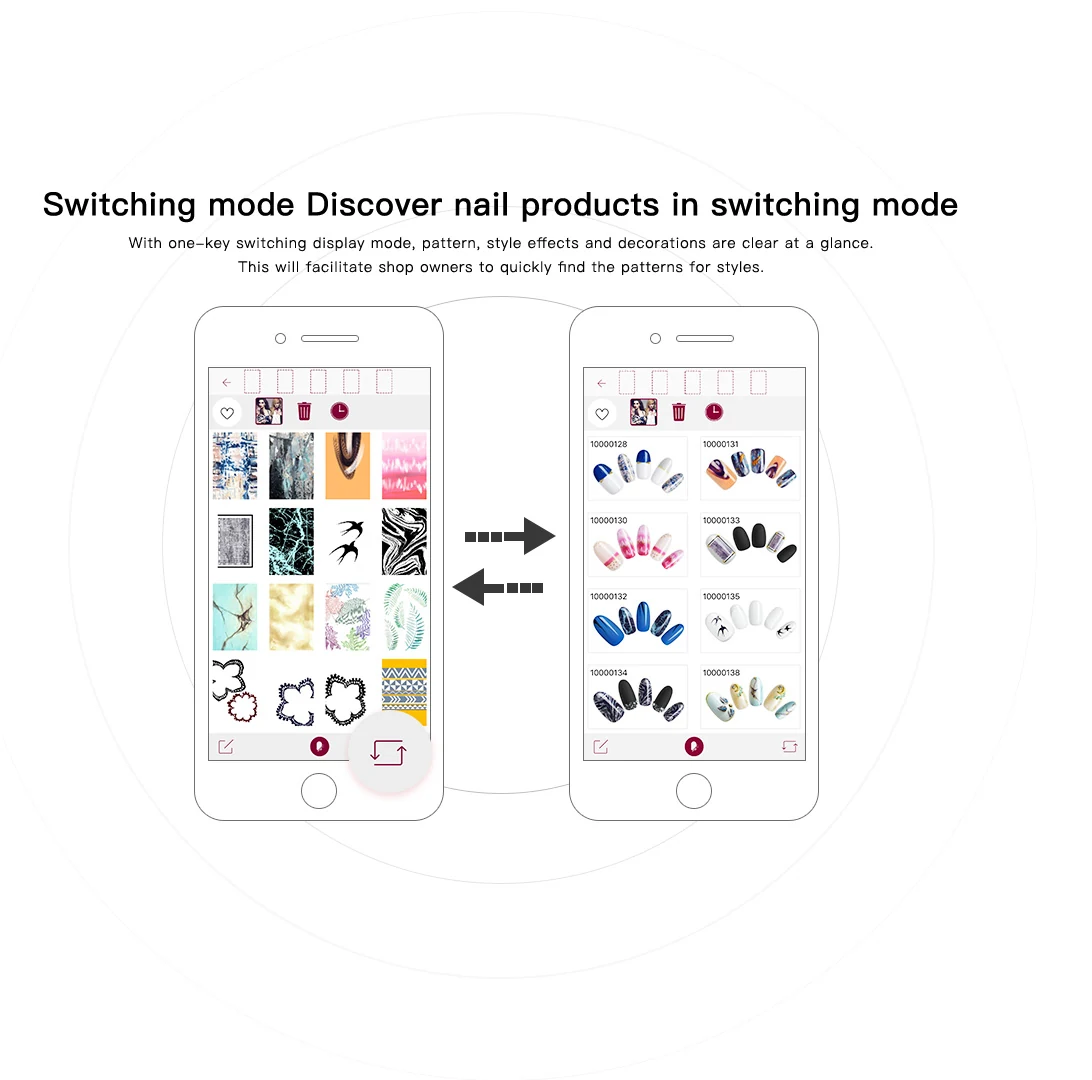
Browse designs, edit a personal image and send a compatible design to the printer. Available controls depend on the printer model and app version.
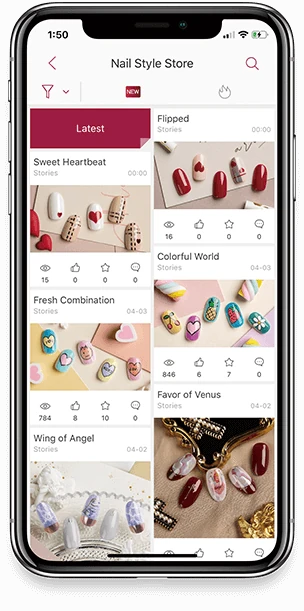
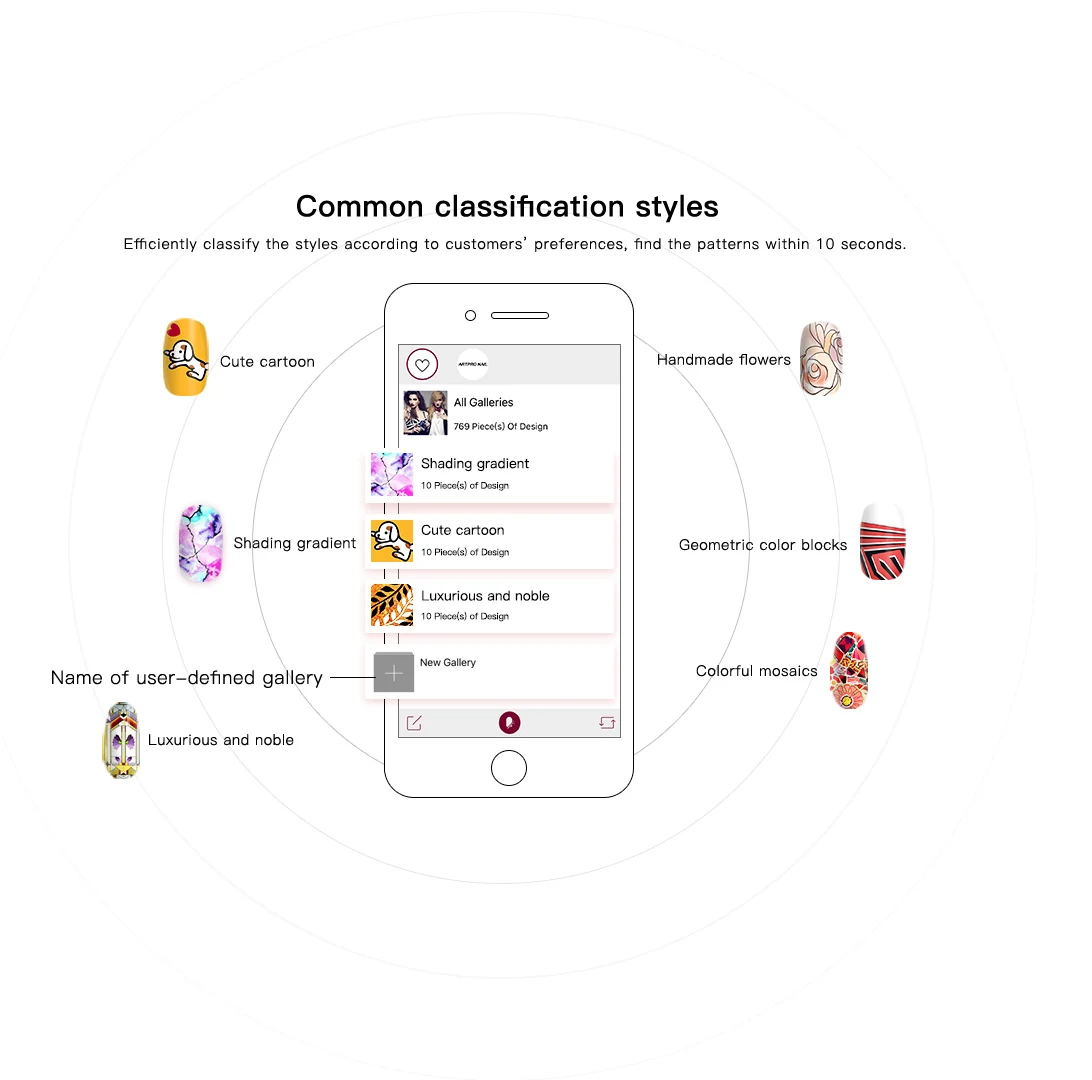
Browse style collections, prepare a personal photo, edit a design and transfer it to a compatible printer. Source materials also describe store-specific design galleries.
Talk with our teamThe desktop materials show print settings, language settings and usage counts. The platform concept connects the device, design services and an operator’s system.
The public catalogue lists separate O2NAILS and O-Pens applications. The O2NAILS app supports the nail-printing design and printer workflow; the O-Pens app accompanies the colour-mixing pen set. Current model compatibility and regional availability must be confirmed for your setup.
Browse designs, edit a personal image and send a compatible design to the printer. Available controls depend on the printer model and app version.
Use the companion app with the O-Pens colour-mixing set to work with the listed palette. Confirm the currently supported phone platform and app release with our team.
The original app-download page lists Apple and Android download options. Store links and QR codes are intentionally presented here as on-site guidance only; request the verified current installation instructions for your market.
App compatibility, custom app or system integration, catalogue access and commercial terms must be confirmed for the chosen model and deployment.
Tell us your country, printer model and phone platform. We will provide the current setup guidance that applies to your configuration. This page keeps install guidance and support contact on GlowNail Lab.
Talk with our team